Connecting the School Community During Critical Moments..
SSC Community Broadcast is an optional Sentinel Shield module for sending clear, school-wide alerts and instructions to students, staff, parents and authorized recipients.
SSC Community Broadcast is an optional Sentinel Shield communication module designed to help schools quickly send clear, school-wide instructions to students, staff, parents and other authorized members of the school community.
When an urgent situation occurs, not everyone may be within hearing distance of a teacher, public-address system or school administrator. SSC Community Broadcast helps extend verified emergency information to registered mobile devices, providing recipients with timely instructions and ongoing updates.
The system is managed through the Sentinel Shield Response Dashboard, allowing authorized school administrators to issue coordinated broadcasts without relying on informal messaging groups, social media or fragmented communication channels.
SSC Community Broadcast
Extending Emergency Communications Beyond the Classroom
One School. One Verified Broadcast.
SSC Community Broadcast is designed as a school-wide communication system rather than a collection of separate groups.
When an authorized administrator issues a broadcast, the message is delivered to all registered recipients selected for that school community. This reduces the risk of important information being delayed, inconsistently communicated or sent only to certain groups.
Broadcasts may include:
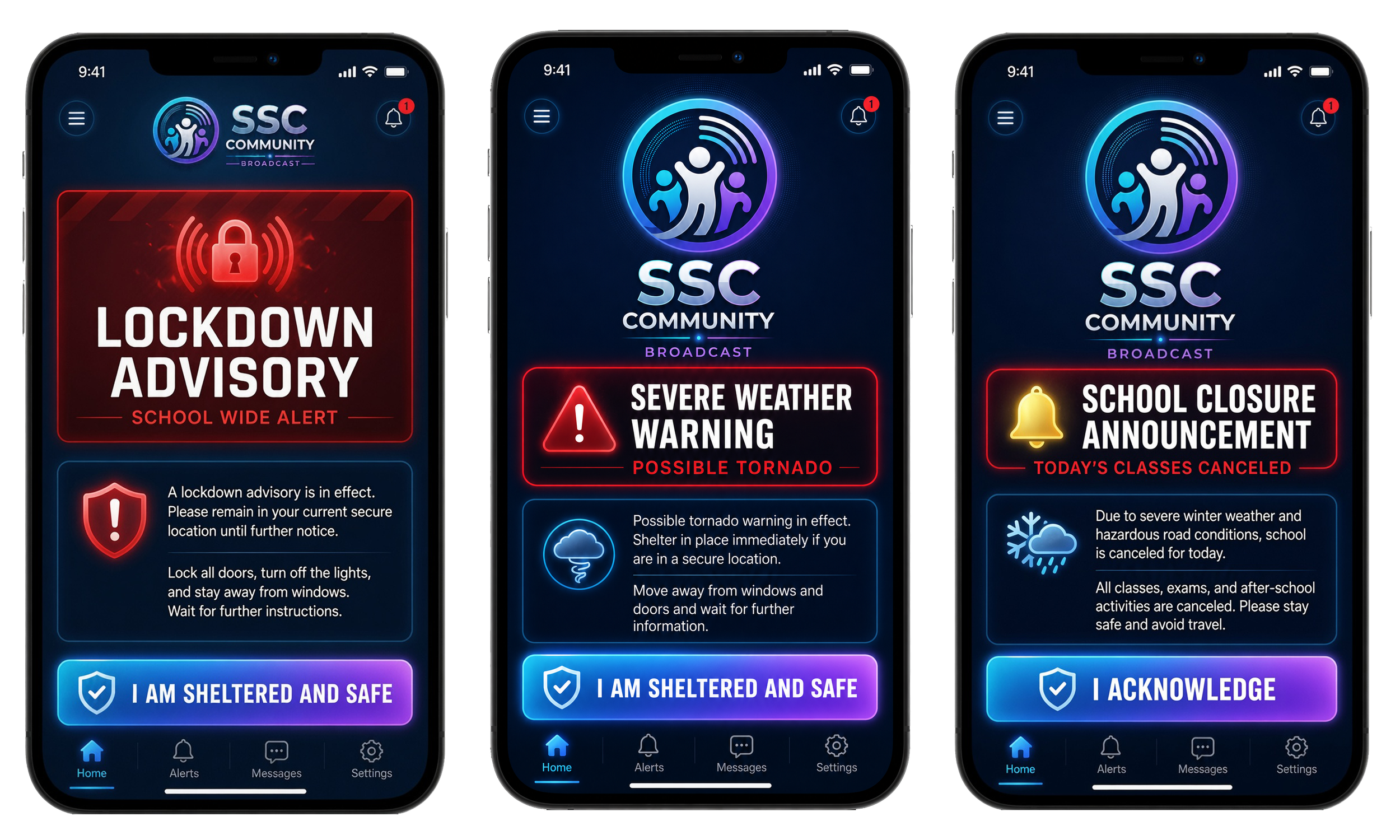
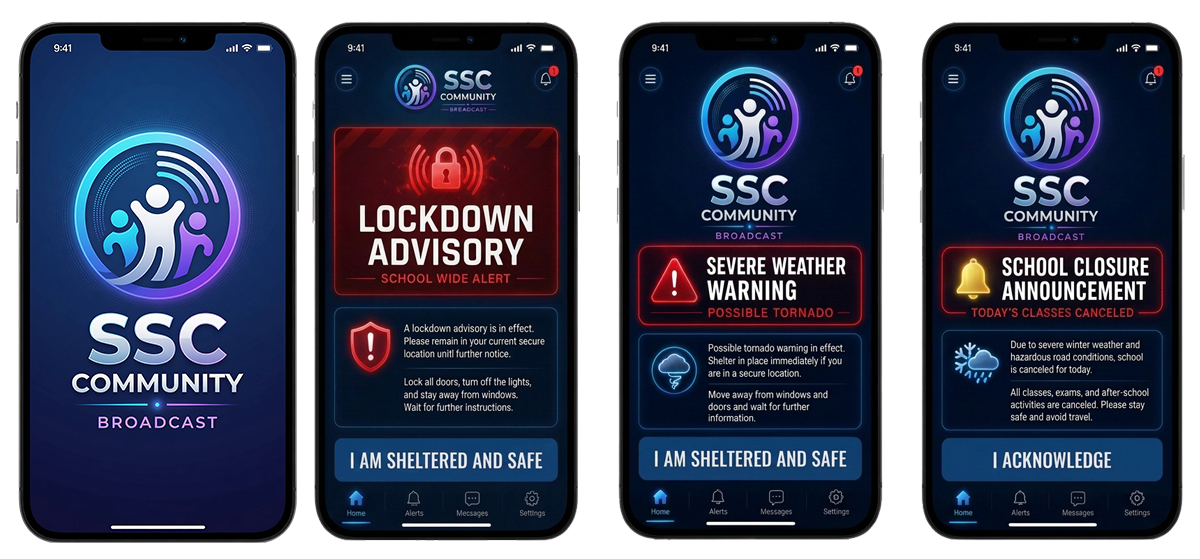
Lockdown warnings
Shelter-in-place instructions
Severe weather and tornado alerts
Evacuation notices
Emergency dismissal information
School closure notifications
All-clear messages
Important school-wide announcements
Each broadcast can include a clear headline, written instructions, the time of issue and follow-up information as the situation develops.
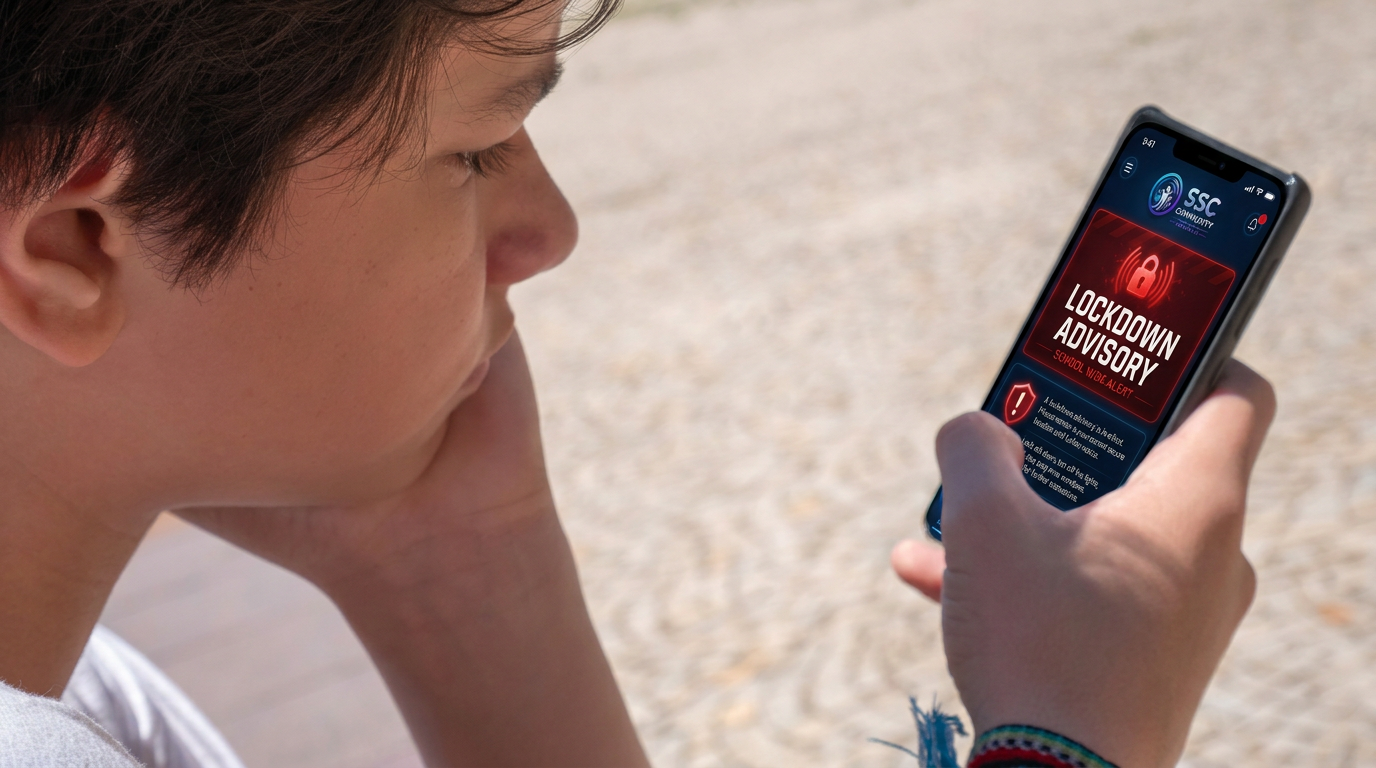
Clear Instructions During Serious Events
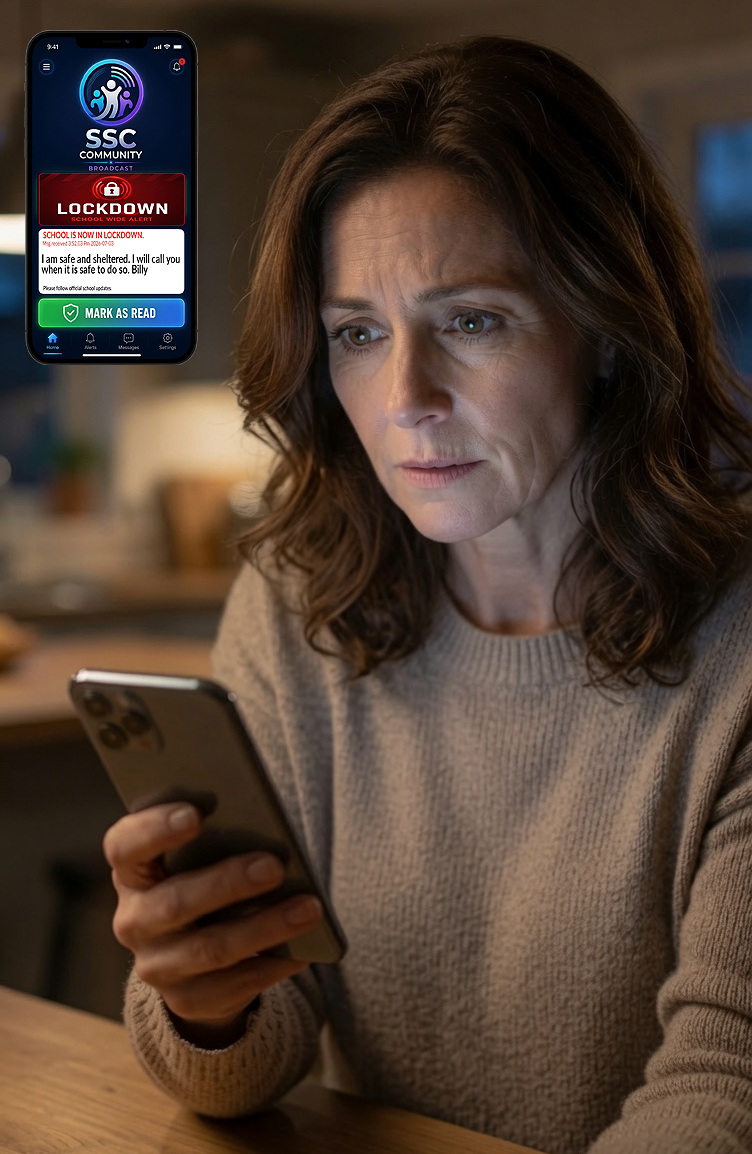
During a lockdown or other emergency, recipients may receive a message such as:
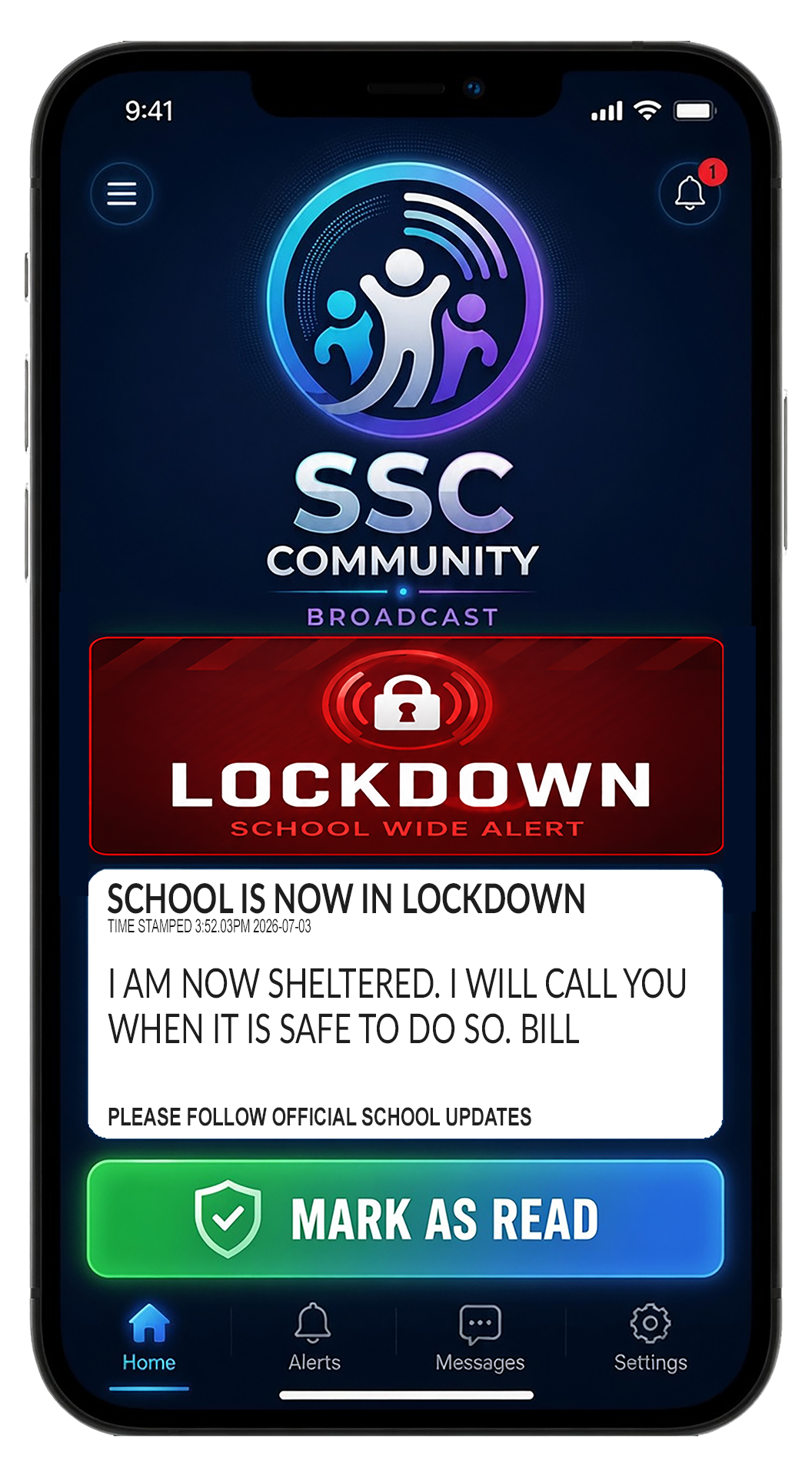
LOCKDOWN
Shelter in place immediately. If you are in a secure location, remain there, silence your device and wait for further instructions from the school.
Emergency messages are visually distinct from general school announcements so recipients can immediately recognize the seriousness of the notification.
Authorized administrators may issue additional instructions or an all-clear message when it is appropriate to do so.
Student Status Acknowledgement
Schools may enable an acknowledgement feature allowing a recipient to confirm:
I Am Sheltered: Once selected, the acknowledgement is transmitted to the Sentinel Shield dashboard and recorded upon broadcasting.
This feature can help administrators understand how many registered recipients have viewed and responded to an emergency instruction. However, acknowledgements are self-reported and are not intended to replace attendance procedures, physical student accountability or emergency responder verification.
A person who does not respond should not automatically be considered missing, injured or in immediate danger. Once selected, the acknowledgement is transmitted to the Sentinel Shield dashboard and recorded with the broadcast.
Designed to Support Existing Emergency Procedures
SSC Community Broadcast is a supplemental communication tool.
It is not intended to replace:
Public-address systems
Fire alarms or emergency alarms
Classroom supervision
School emergency plans
Attendance and student-accountability procedures
Police, fire or emergency medical services
Direction from authorized emergency responders
Mobile notifications may be affected by device settings, battery levels, cellular or internet availability and other conditions outside the school’s control. For this reason, SSC Community Broadcast is designed to strengthen existing procedures rather than serve as the school’s only emergency communication method.
Emergency Alerts and General Information
SSC Community Broadcast separates urgent safety messages from routine school information.
Emergency Broadcasts
Emergency broadcasts may include lockdowns, shelter-in-place orders, evacuations, severe weather warnings and all-clear messages. These notifications use prominent visual formatting and direct instructions.
General School Information
Authorized administrators may also use the system for important school-wide information, including closures, transportation disruptions, schedule changes and administrative announcements.
Schools can establish internal policies governing which administrators are authorized to issue emergency broadcasts and which staff members may distribute general information.
Integrated with Sentinel Shield
SSC Community Broadcast operates as an optional extension of the Sentinel Shield safety infrastructure.
Sentinel Shield allows authorized staff members to discreetly activate an emergency alert using dedicated LTE-enabled handheld devices or the P.R.E.D. pocket activation device.
Once an incident is identified and assessed, authorized administrators may use the same response environment to issue instructions to the wider school community.
This creates a coordinated process:
An authorized staff member activates a Sentinel Shield alert.
The incident is transmitted to the Sentinel Shield Response Dashboard.
Designated administrators acknowledge and assess the incident.
An authorized administrator issues an appropriate community broadcast.
Recipients receive instructions and subsequent updates.
The school issues an all-clear or further direction when authorized.
Emergency community broadcasts should require administrator confirmation and should not be sent automatically from a single staff-device activation. This helps reduce the risk of an incorrect or premature school-wide message.
Protection Without Surveillance
SSC Community Broadcast is being developed according to the same privacy principles as Sentinel Shield.
The system is not designed to:
Continuously track student or staff locations
Collect background GPS information
Access microphones or cameras
Record conversations
Monitor classroom activity
Create movement histories
Display public student directories
Enable student-to-student messaging
Sell personal information
Deliver third-party advertising
Only the information required to register users, deliver broadcasts, manage authorized access and record acknowledgements should be collected.
Access to the administrative system is restricted according to assigned roles and school-approved authorization levels.
Built for Controlled School Communication
SSC Community Broadcast is not an open social network, public chat platform or student messaging application.
Recipients receive verified information from authorized school personnel. They cannot create school-wide broadcasts, communicate privately with other students through the system or alter official emergency instructions.
This controlled structure helps schools maintain consistency, authority and clarity during urgent situations.
Optional Sentinel Shield Module
SSC Community Broadcast is available as an optional software module for schools using Sentinel Shield.
The application can be introduced during a Sentinel Shield pilot, implemented during the full school deployment or added later as the school’s emergency communication requirements evolve.
The module may be configured for students, staff, parents or other approved recipients according to the school’s policies, age requirements and privacy obligations.
A More Connected Emergency Response
Sentinel Shield helps authorized staff alert designated responders when a serious incident occurs.
SSC Community Broadcast extends that response by helping the school communicate verified instructions to people who may not be within immediate reach of a teacher, administrator or public-address system.
Together, the systems help shorten the gap between:
An incident being identified, the appropriate people being informed and the school community receiving clear direction.
Request Information
Schools interested in Sentinel Shield and SSC Community Broadcast may request:
A system overview
A demonstration
Pilot-program information
Privacy and security documentation
Implementation requirements
Subscription and leasing information
A discussion with the Sound Sentinel team