
Sentinel Shield
WHEN SECONDS MATTER - HELP IS AT YOUR FINGER TIPS
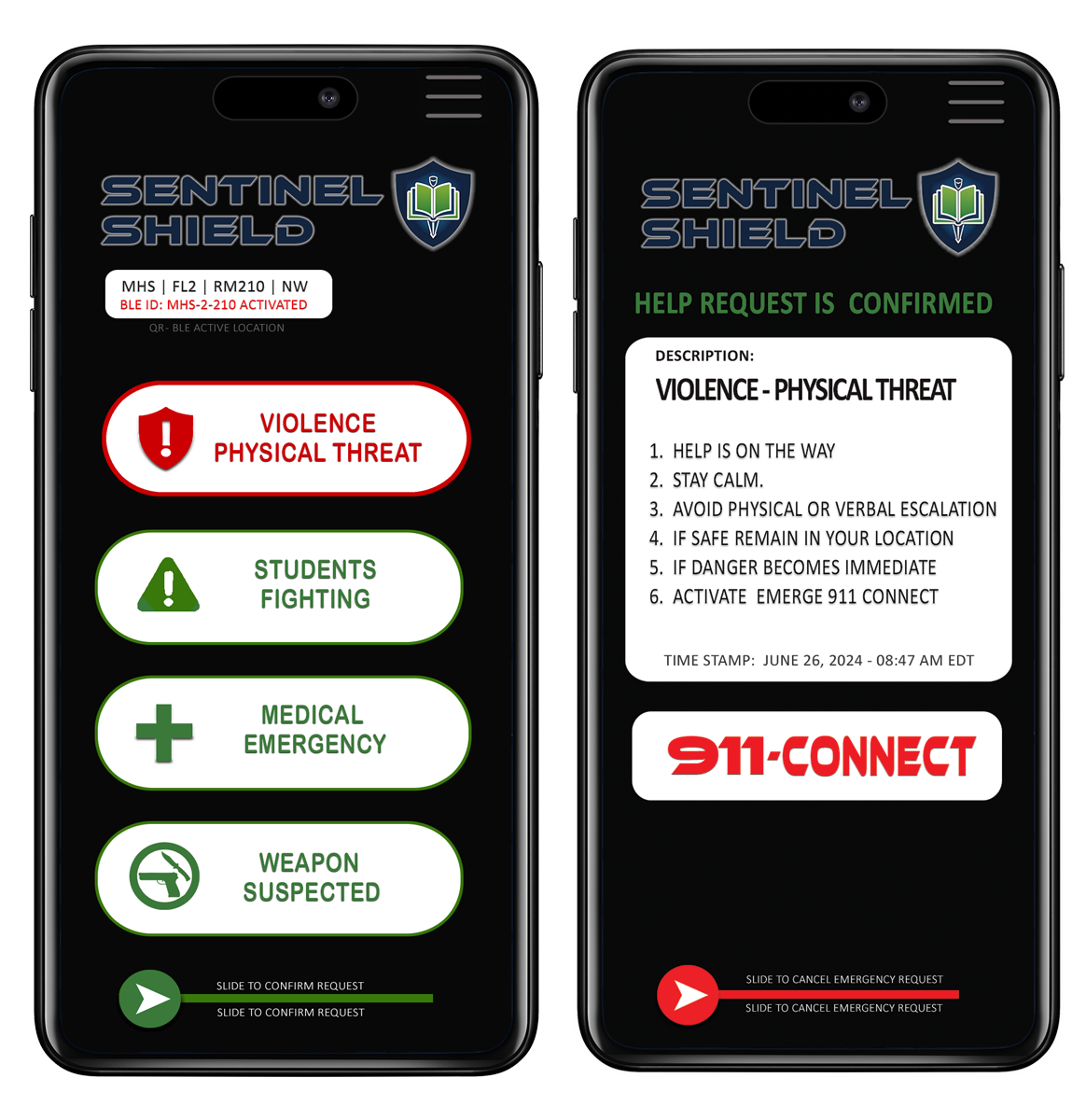
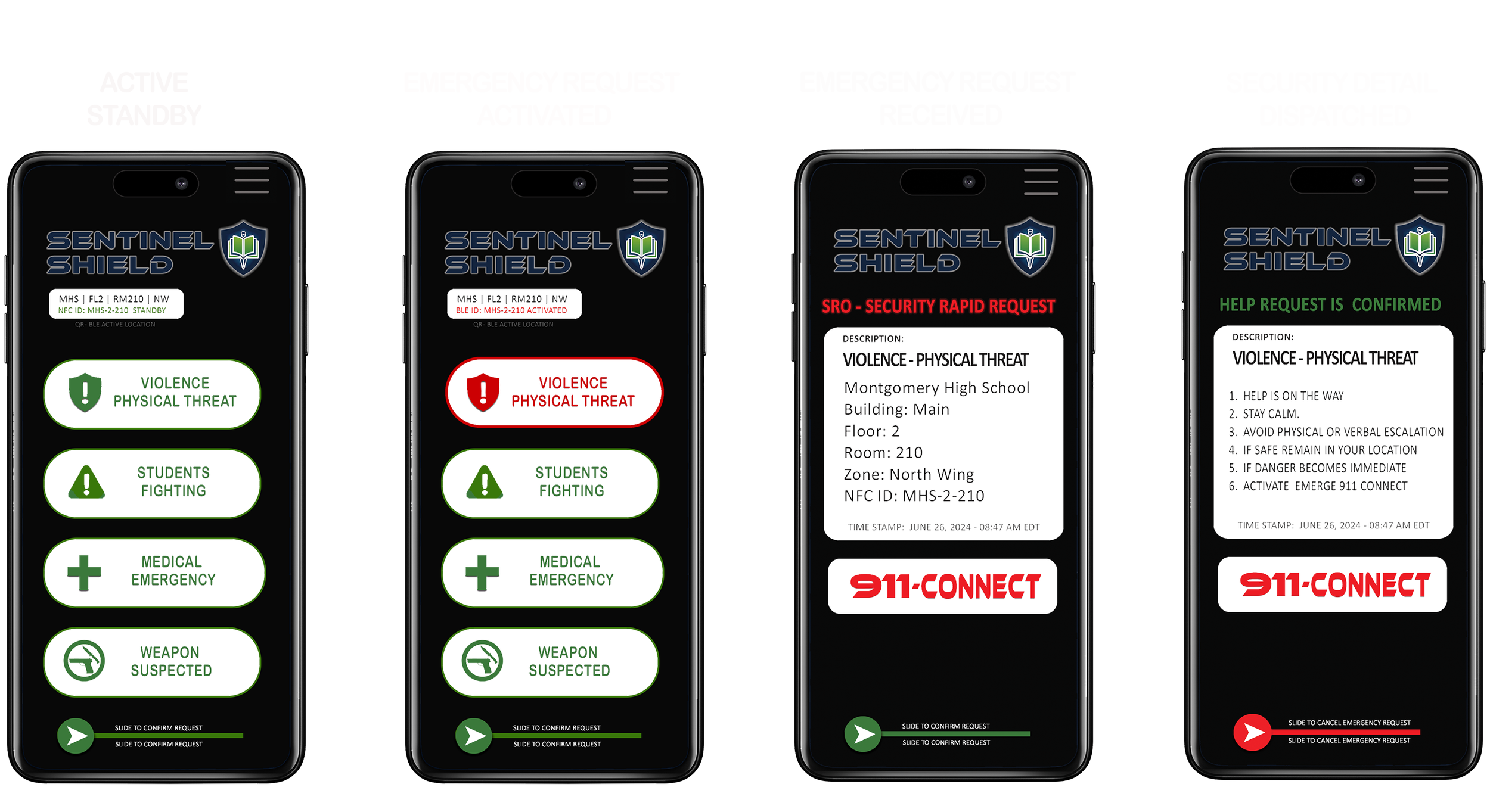
WHEN SECONDS MATTER - TEACHER’S DECIDE
Sentinel Shield is a teacher-controlled safety infrastructure, designed for todays classrooms. Sentinel Shield remains silent, passive, and invisible until a teacher chooses to ask for help.
No monitoring.
No recording.
No automatic triggers.
No disruption to teaching.
Just immediate access to support when it’s actually needed.
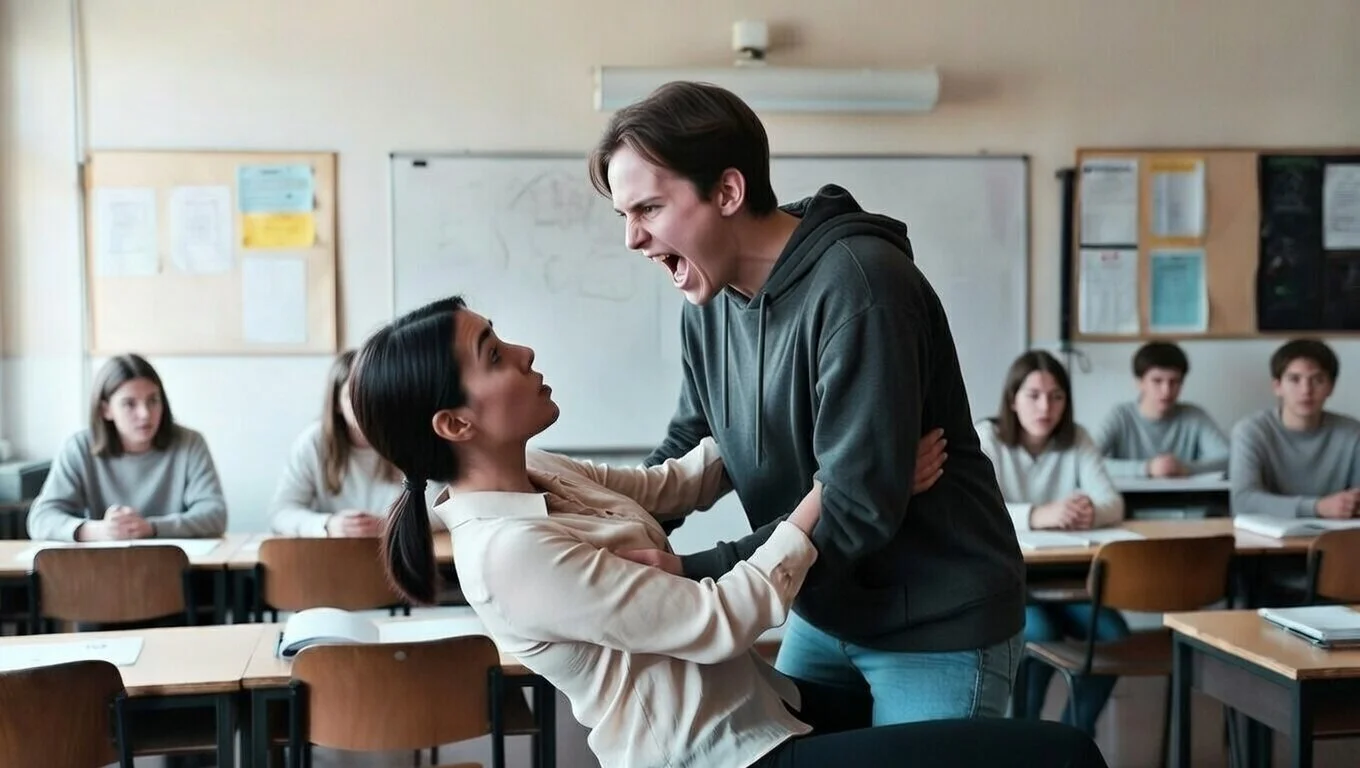
TEACHING WAS NEVER MEANT TO INCLUDE MANAGING VIOLENCE ALONE!
Across Canada, educators are facing rising incidents of aggression, medical emergencies, and unpredictable escalation, often without immediate, reliable ways to call for help from inside the classroom.
Most systems fail because they:
Require complex actions under stress
Depend on constant scanning or check-ins
Monitor teachers instead of supporting them
Trigger false alarms that erode trust
Sentinel Shield was built to eliminate those failures.
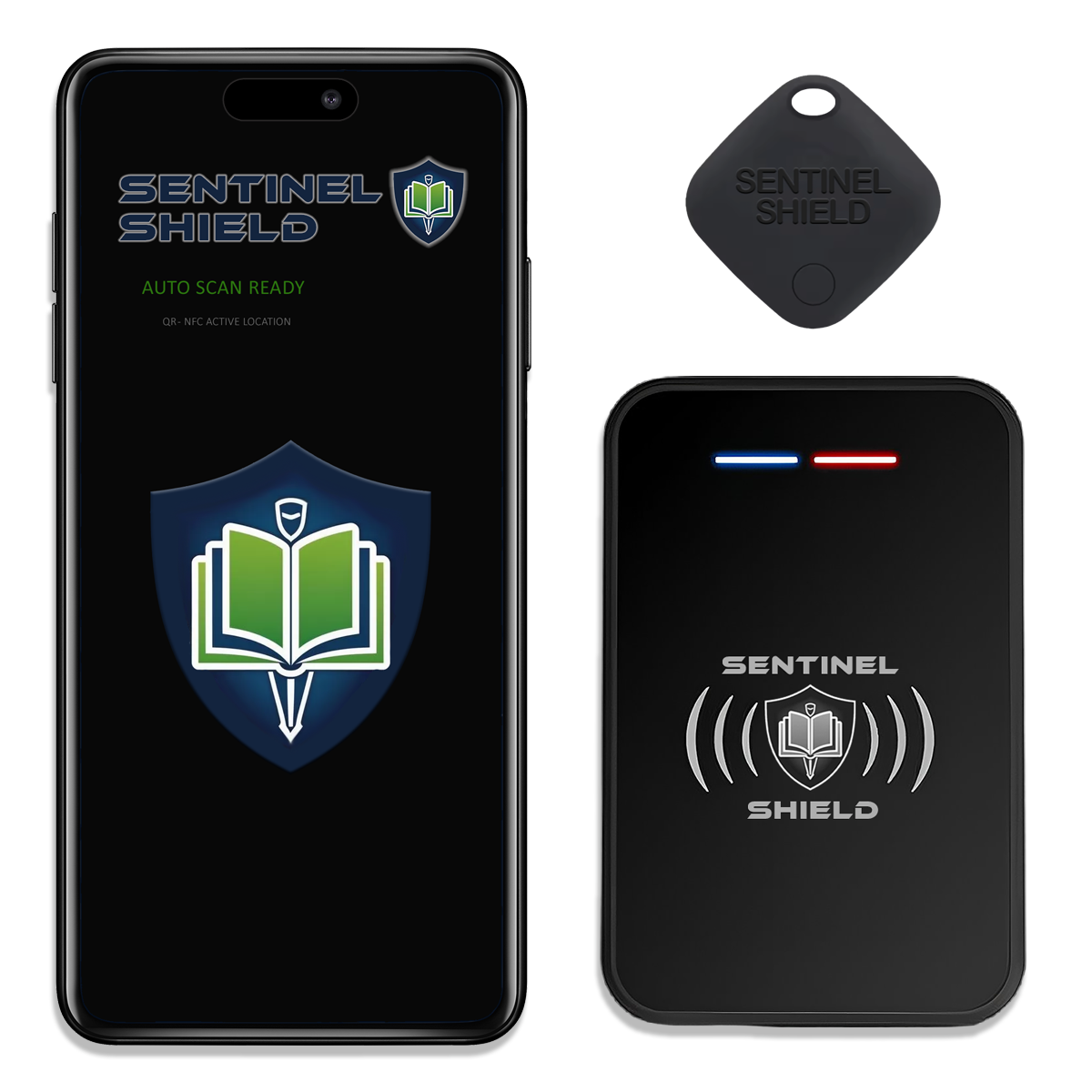
WHAT MAKES SENTINEL SHIELD DIFFERENT - PROTECTION WITHOUT SURVEILLANCE & CONTROL WITHOUT COMPLEXITY.
Sentinel Shield operates in the background, quietly confirming a teacher’s classroom location without requiring scans, taps, or rituals.
No audio capture
No video capture
No passive monitoring
No data collection
Nothing is activated unless the teacher manually presses the help button.
That single design choice changes everything.